
brand logoChessonomy
Chessonomy
Study Lab
Analysis board

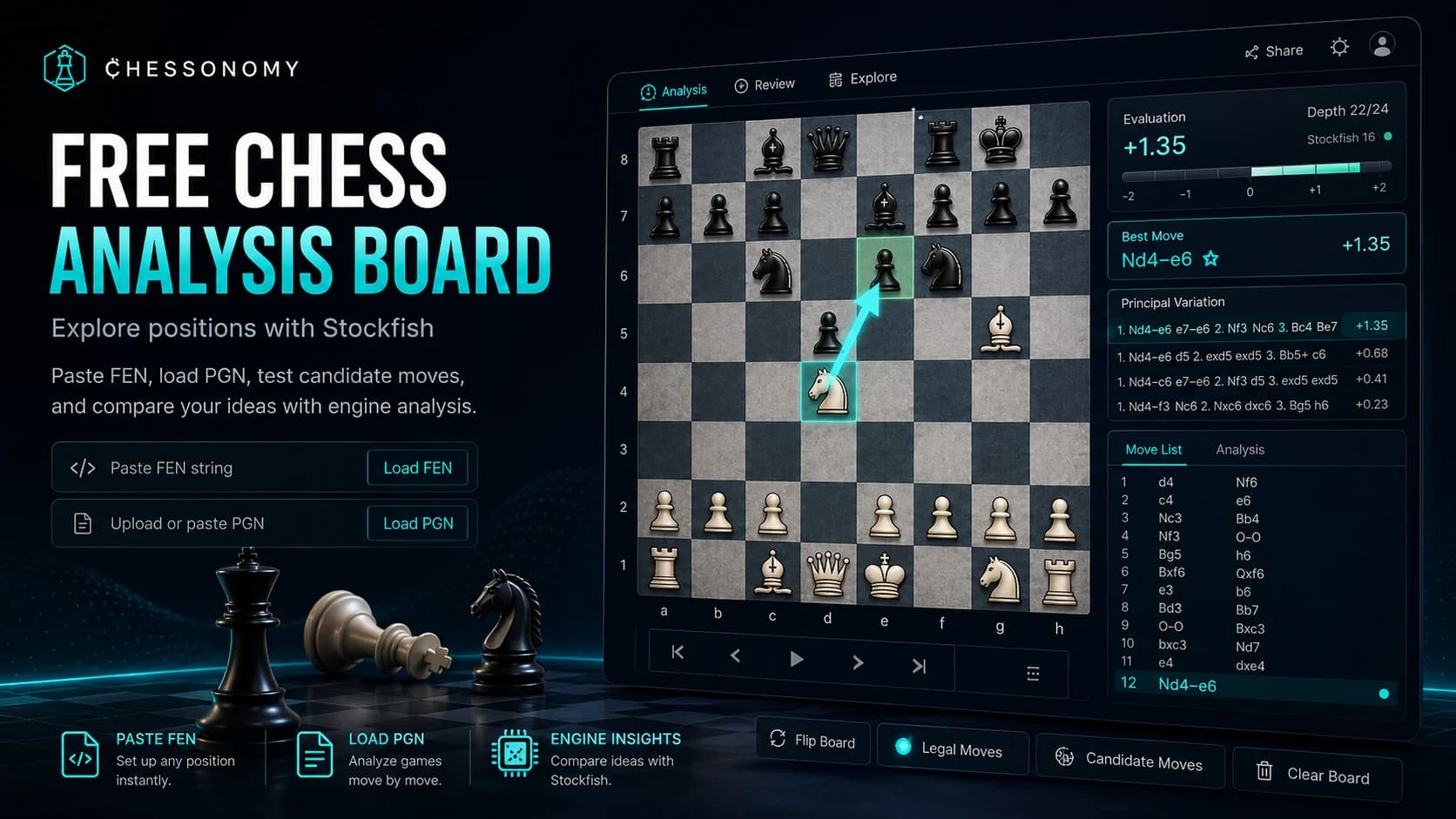
Free chess analysis board with Stockfish

White to move
0.00
Analysis board guide

Free chess analysis board with Stockfish and FEN

Use a free chess analysis board to test candidate moves, paste FEN positions, and compare your ideas with Stockfish without losing the human reason behind the move.

Reviewed June 14, 2026
Quick answer

Chessonomy's free chess analysis board supports FEN input, legal move exploration, Stockfish evaluation, board controls, and move-by-move study for players who want practical analysis rather than only an engine verdict.

Free chess analysis board with a Stockfish evaluation, FEN input, and legal move exploration

What a free chess analysis board should do

A useful chess analysis board should let you set up any position, move pieces legally, paste a FEN, move backward and forward through your explored line, and ask Stockfish for a second opinion. Those are the basics. The harder part is keeping the board calm enough that you can still think.

Chessonomy is built around that workflow. You can use the board as a sandbox for opening preparation, a repair room for a lost game, or a quick way to test a position from a book, puzzle, stream, or online game.

  • Paste FEN when you need one exact position.
  • Use Game review when the move only makes sense inside the full game.
  • Move pieces freely so calculation stays active before the engine verdict.

Analyze before turning the engine into a verdict

Before pressing the engine button, choose two or three candidate moves. Start with forcing moves: checks, captures, direct threats, and pawn breaks. Then ask what your opponent wants. This takes less than a minute, but it gives the Stockfish line something to test against.

If the engine prefers your move, the point is not just that you were right. Ask why it works. If the engine rejects your move, do not jump straight to the answer. Look for the refutation. The missing resource is usually the part of the position that needs training.

  • List candidate moves before turning on the engine.
  • Compare your move to the principal variation.
  • Save the position if the same idea is worth training later.

How to read Stockfish evaluation like a player

A number like +1.20 does not mean the game is won. It means White has an advantage if both sides continue accurately. In practical chess, the important question is whether the advantage is easy to play. A clean extra pawn, a safe king, and a simple plan can matter more than a sharp +1.50 line you cannot calculate over the board.

Mate scores need the same care. If Stockfish shows mate, play the principal variation on the board until the forcing moves are visible. The best learning comes from understanding why the defender has no useful alternative.

Use FEN for exact-position analysis

FEN is best when you want to analyze one exact position. Paste the FEN, check whose turn it is, and test the candidate moves from that moment. If you need full-game context, use Game review first and then open the critical position on the board.

When another player needs to inspect the same board, use Copy position link. The generated URL includes the FEN parameter and opens the analysis board on that exact position without changing the page's canonical URL.

Players usually need this kind of board when they search for free chess analysis, a Stockfish analysis board, FEN analysis, or chess position analysis. Those searches point to the same practical need: load the position quickly and understand the move.

Analyze and share a FEN position from a URL

A FEN URL is useful when a coach, teammate, or article needs to open the same position without replaying the game. Load the FEN on the analysis board, verify the side to move and castling rights, then use Copy position link. The resulting URL preserves the exact board state for the recipient.

Shared FEN parameters do not create a separate indexable page for every position. The canonical URL remains the main analysis board, which prevents thousands of near-duplicate parameter URLs from competing in search while keeping the sharing workflow useful.

Common questions

Can I paste FEN into the analysis board?

Yes. You can paste a FEN to study one exact position and ask Stockfish for the best continuation from that board state.

Can I share a Stockfish analysis position by URL?

Yes. Load the position, select Copy position link, and share the generated URL. The analysis board reads the FEN parameter and opens the same position.

Can I analyze a full game here?

Use Game review for full Chess.com, Lichess, or PGN review. Use the analysis board when you want to inspect one exact FEN position or explore a line from that position.

Is a free chess analysis board enough to improve?

It is enough when you use it actively. Make candidate moves first, then use Stockfish to test your calculation and explain the difference.

Is using Stockfish cheating?

Using an engine during a live rated game is cheating. Using Stockfish after the game, for study, opening prep, or puzzle review, is normal chess training.